REXS
Manager & player for .exs sampler instruments (EXS24 / Logic Sampler) — iPhone, iPad & Mac
REXS brings your .exs (EXS24 / Logic Sampler) instrument library into your pocket: import the .exs with its audio folder, convert it once into an internal SoundFont, and organize, play and edit it — with round-robin and keyswitches. It also runs as an AUv3 plug-in and exports .sf2. All on-device, no Logic and no subscription.Read moreShow less
Screens
Features
Import .exs
Open a single .exs or a whole folder; REXS resolves the external audio and converts in one tap.
Round-robin & keyswitches
Keeps the original instrument's articulations and round-robin variations.
Play & edit
Built-in player and preset editor: volume, pan, tuning, ADSR and filter.
AUv3 plug-in
Play in AUM, Logic, GarageBand, Cubasis and other hosts.
Export .sf2
Doubles as an EXS→SoundFont bridge: export a .sf2 for any sampler.
Keeps your originals
Never deletes your files. All on-device, no account, no cloud.
FAQ
What is a .exs file?
It is the instrument format of the EXS24 / Logic Sampler — a sample map (key/velocity, loops, articulations). REXS reads the .exs and the audio folder it references.
Do I need Logic to use REXS?
No. REXS is standalone (and AUv3): it imports, plays and edits your .exs without Logic around.
Does REXS convert to SoundFont?
Yes. It converts each .exs into an internal SoundFont (.sf2) and also lets you export the .sf2 to use in other samplers.
Does it work as an AUv3 plug-in?
Yes — play the instrument inside AUM, Logic, GarageBand, Cubasis and other hosts.
Is REXS affiliated with Apple?
No. REXS is an independent product. "EXS24" and "Logic" are trademarks of Apple, used only to describe compatibility.
Which devices does it run on?
iPhone, iPad and Mac — on the App Store.
Where to get it
Controls
Show the full reference5 groups · 21 controls — every knob, button and value range
Import & convert
4
from .exs to SoundFont — conversion happens once and is kept
| Control | What it does | Range / options |
|---|---|---|
| Add .exs | Loads a single .exs instrument or a whole folder; REXS resolves the external audio the instrument references on its own | file or folder |
| Drag and drop | On Mac and iPad, drag files or folders straight into the window | — |
| Conversion | Each instrument is converted ONCE into an internal SoundFont (with a "Converting…" notice); after that it opens instantly, including in the plug-in | once per instrument |
| Your original files | Never deleted or modified — REXS only reads them | read-only |
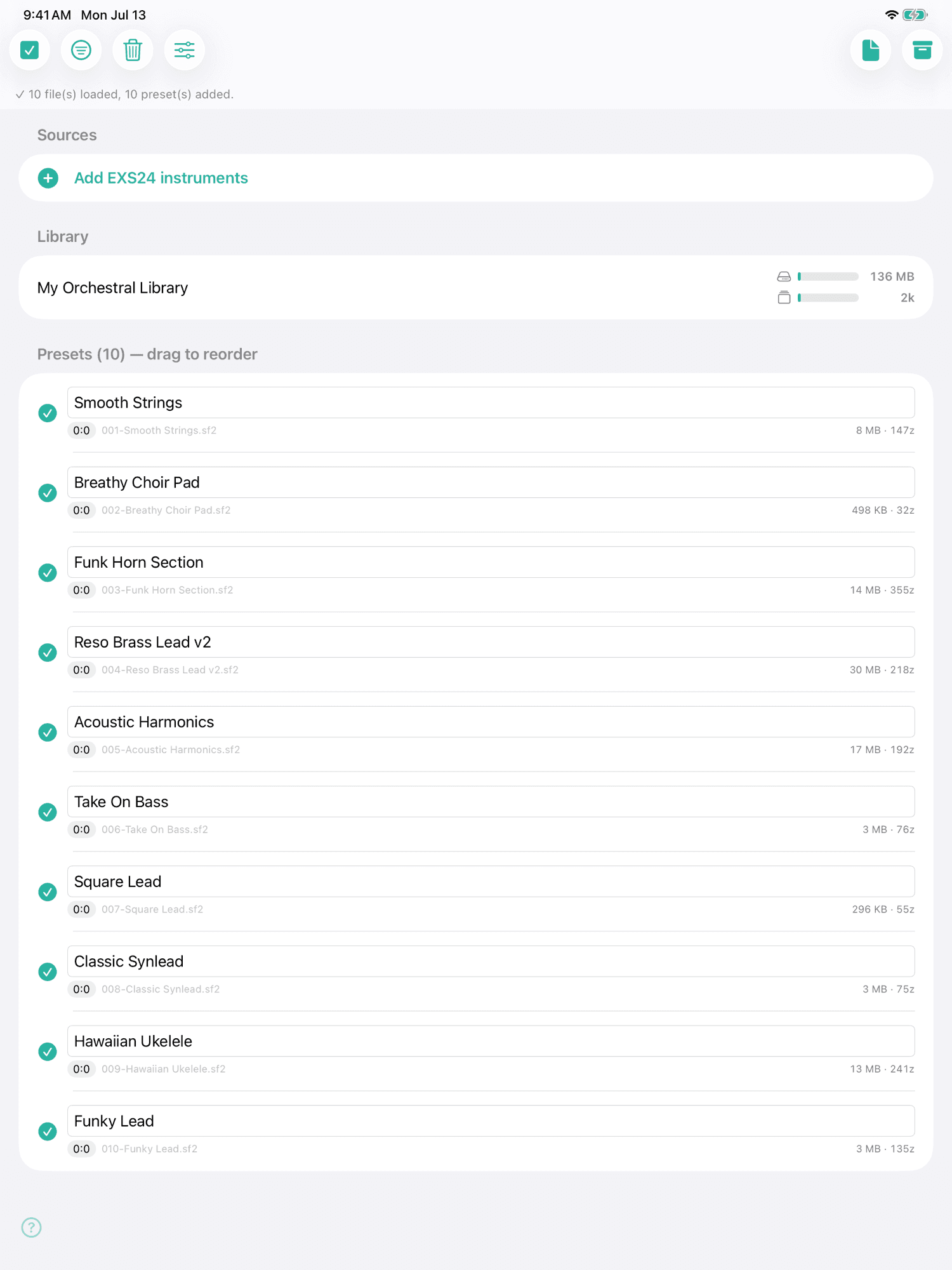
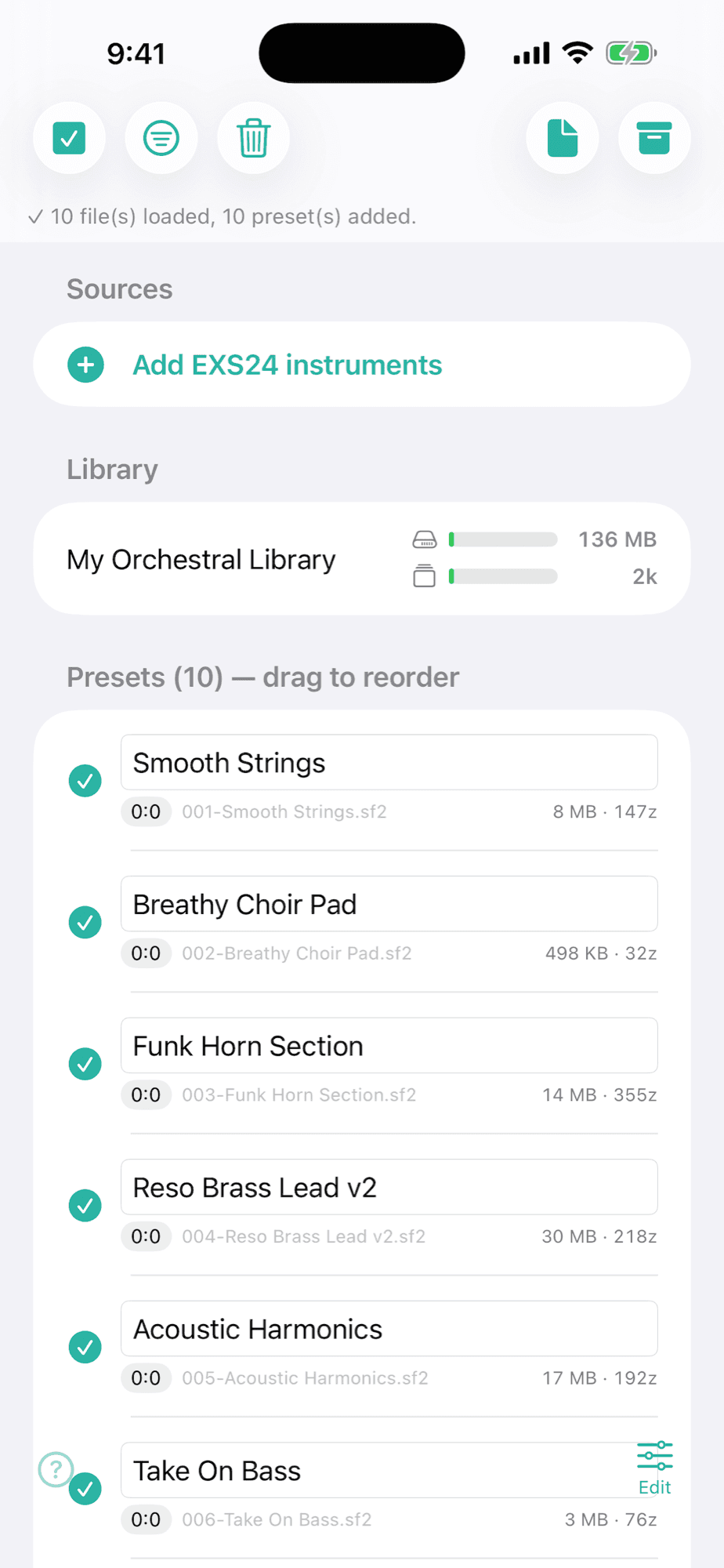
Main screen (icons)
5
| Control | What it does | Range / options |
|---|---|---|
| Select/deselect all | Toggle every item on or off at once | on/off |
| Largest first | Sorts showing the largest at the top (display only) | on/off |
| Reorder | Hold and drag to change the order — it defines the bank:program on export | — |
| Clear | Removes the items from the list | — |
| Generate SF2 | Exports the result as a .sf2 file, ready for any sampler | — |
The app itself shows a "what each icon does" legend on screen.
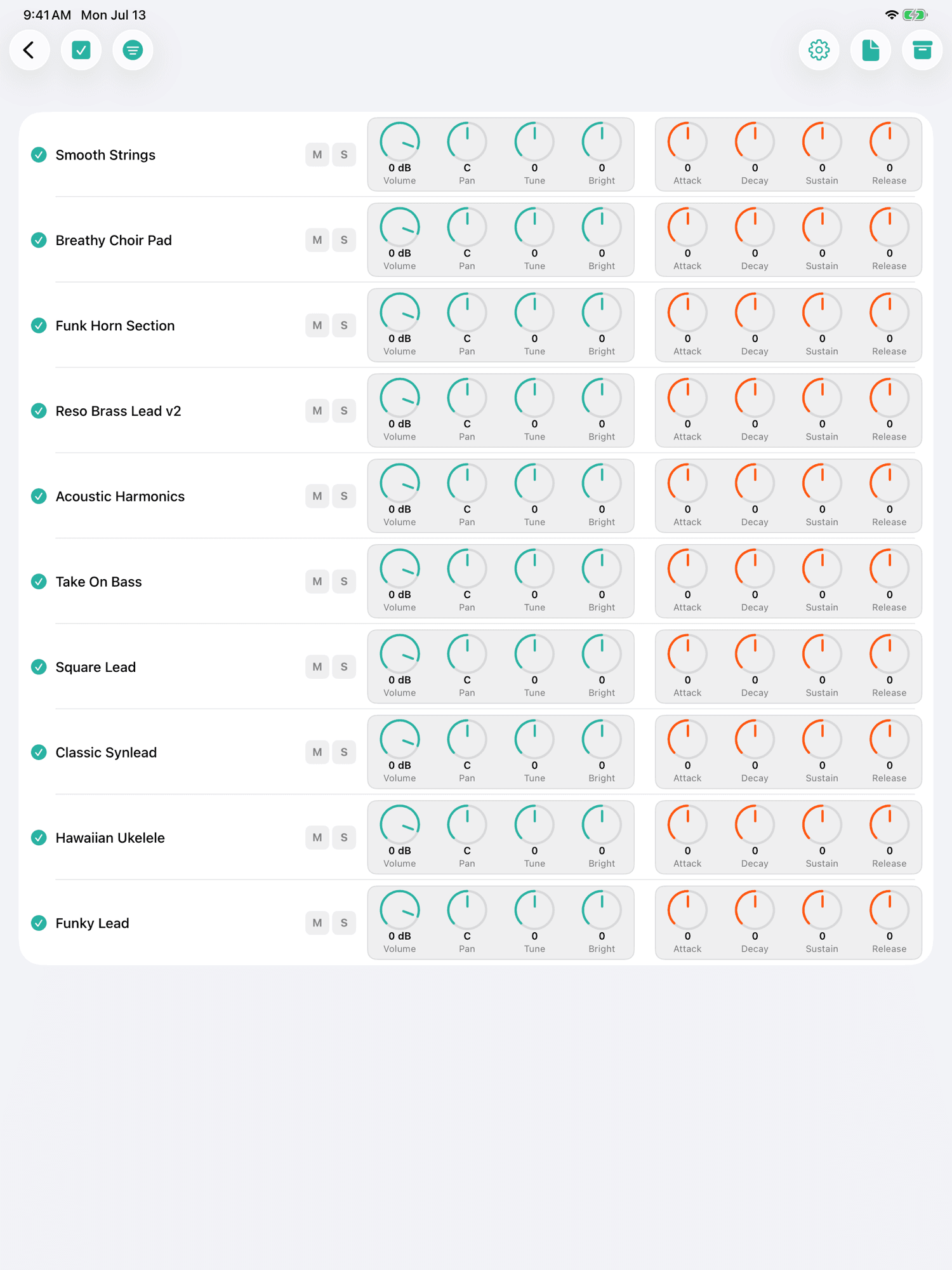
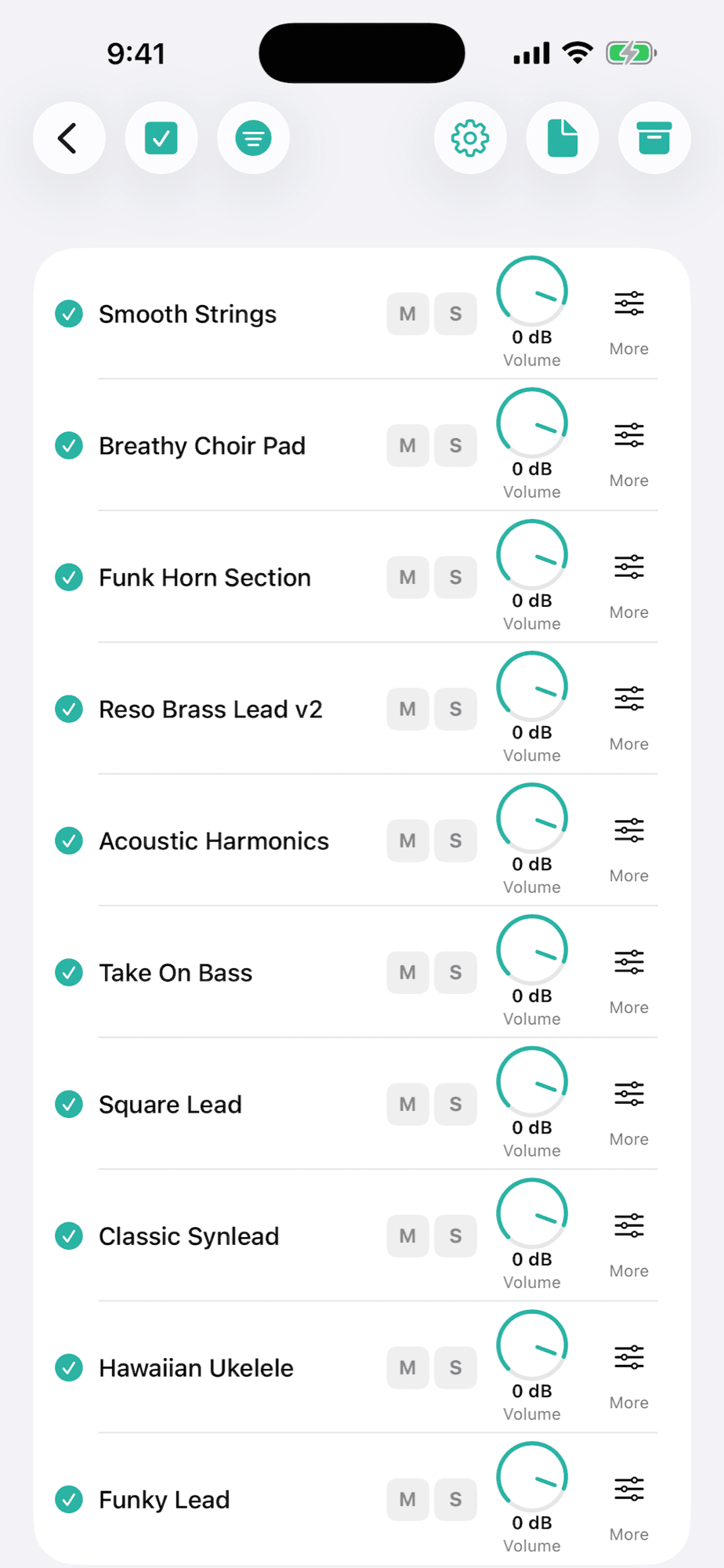
Layers
2
| Control | What it does | Range / options |
|---|---|---|
| Enable (○) | Tap the ○ on each row to enable it: enabled rows play TOGETHER, stacked | several rows |
| Per-row knobs | Every enabled row has its own knobs — balance the volume, tuning and brightness of each layer | per row |
Preset editor
8
tweak and preview before exporting — 0 = neutral (does not alter the audio)
| Control | What it does | Range / options |
|---|---|---|
| Volume | Overall preset volume | −60 … +6 dB |
| Pan | Stereo position, left/right | L … C … R |
| Tune | Changes the pitch: drag ↕ to jump an OCTAVE (12 semitones) and ↔ for 1 semitone | −24 … +24 st |
| Brightness (filter) | Low-pass filter: − darkens, + opens the brightness | −100 … +100 |
| Attack | How fast the sound comes in after the note | −100 … +100 |
| Decay | Fall from the peak to the sustain level | −100 … +100 |
| Sustain | Level held while the note sounds | −100 … +100 |
| Release | How fast the sound fades when you let go | −100 … +100 |
The filter can only darken (low-pass) — it cannot add brightness the sample does not have. Double-tap a knob to reset it.
AUv3 plug-in
2
| Control | What it does | Range / options |
|---|---|---|
| Library | The plug-in reads the waveforms you already converted in the app — pick one in the Library and play | — |
| Open external SF2 | You can also load a .sf2 from outside, without going through the app | .sf2 file |
Import and convert in the REXS app; the waveforms show up in the plug-in automatically.
What it's for
Got a collection of .exs (EXS24 / Logic Sampler) instruments and want to use it outside Logic? REXS imports each .exs with its audio folder, converts it once into an internal SoundFont, and becomes a manager, library and player: organize, rename, reorder, play with round-robin and keyswitches, and edit each preset. It exports .sf2 (an EXS → SoundFont bridge that is rare on mobile) and runs as an AUv3 plug-in, on iPhone, iPad and Mac. Everything local, no subscription, and your original files are never touched.