Your whole SoundFont library becomes one file, in the order you want. Merge multiple .sf2 or .sf3 files into themed libraries, split a large SoundFont into individual files, and reorder presets by dragging. And edit each preset — volume, pan, tuning, attack, release and filter — with a built-in player to audition before you export. Everything happens locally on your device, and the same editor runs as an AUv3 plug-in in your host.Read moreShow less
Screens
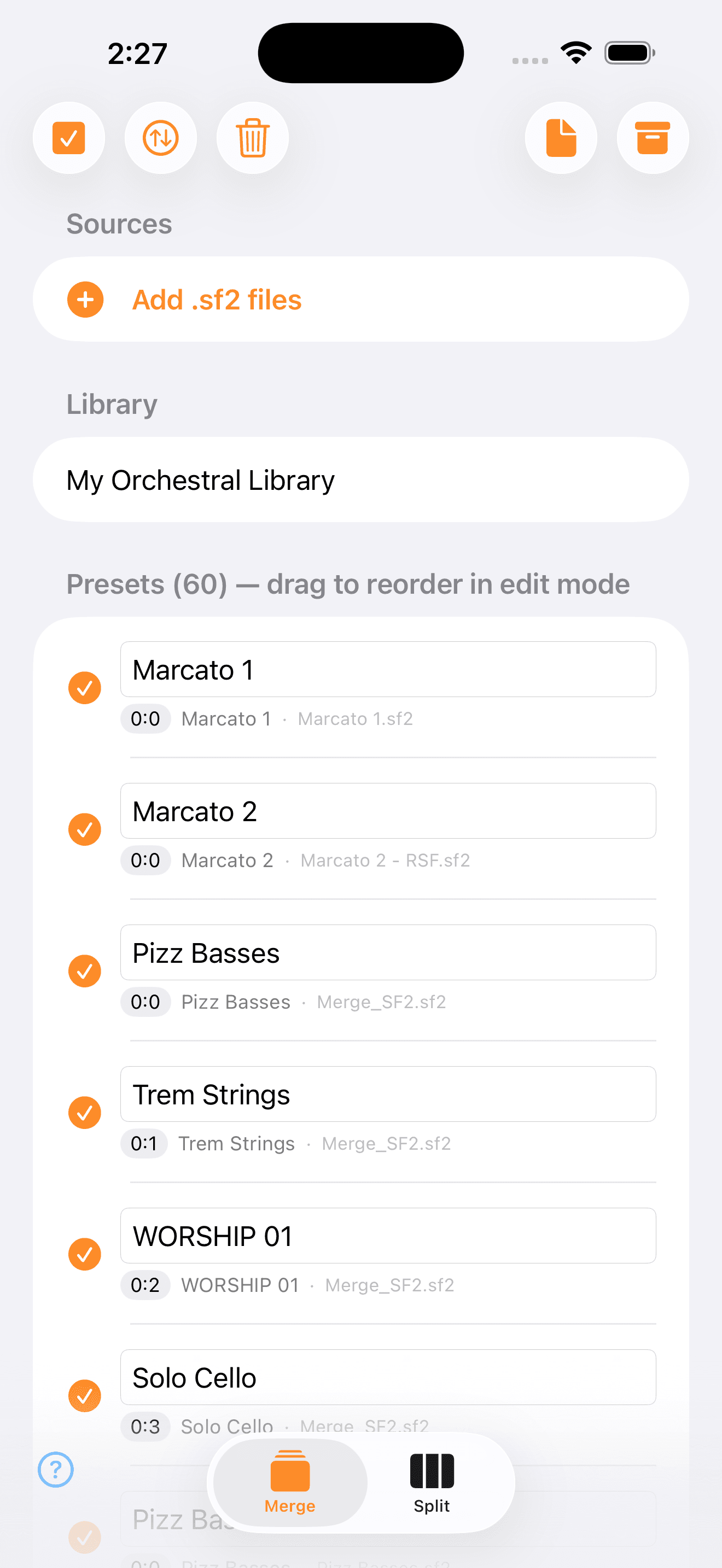
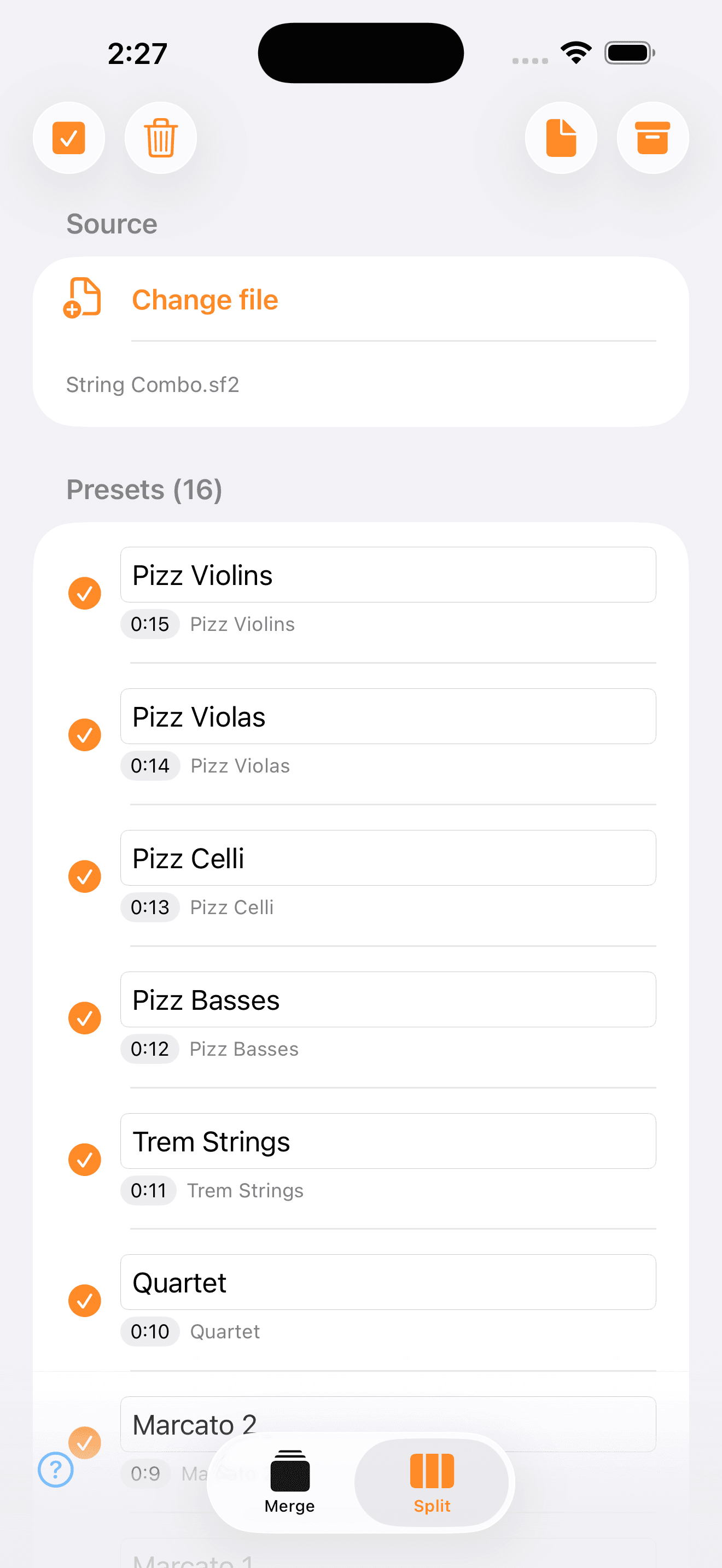
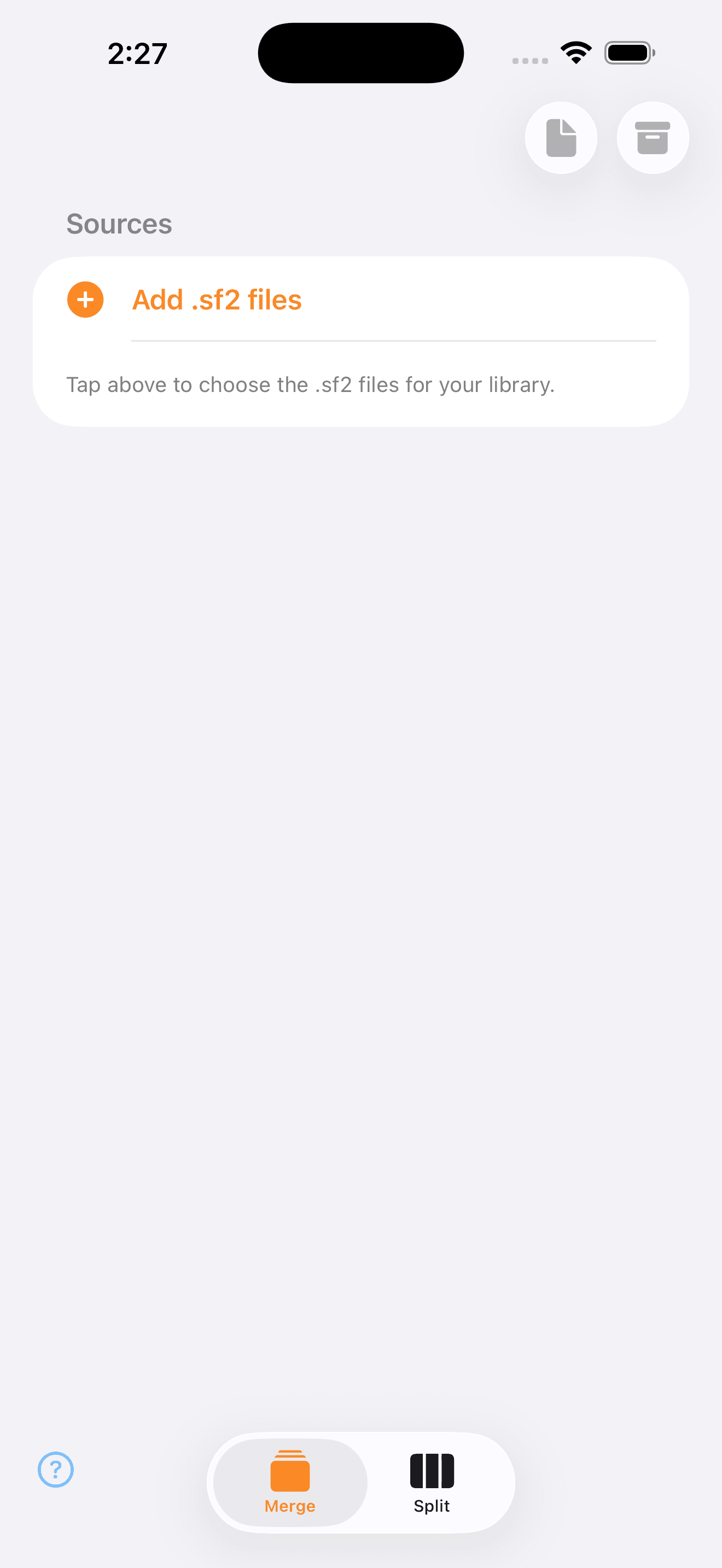
See it in action
Features
Merge libraries
Combine many .sf2 or .sf3 files into one, with presets in the order you want.
Split presets
Break a large SoundFont into individual files.
Reorder by drag
Set the MIDI order (bank:program) by dragging presets.
Preset editor
Volume (with up to +12 dB of boost to lift quiet presets), pan, tuning, attack, decay, sustain, release and filter, with Mute/Solo, velocity curves and a built-in player.
Layers
Enable more than one preset at once and they play together, each with its own knobs and Mute/Solo — in the app and in the AUv3 plug-in.
AUv3 plug-in
The same editor runs as an AUv3 in AUM, Logic, GarageBand, Cubasis and other hosts.
Byte-exact
Preserves audio byte for byte — no re-encoding, no resampling.
Private by design
No account, no cloud, no tracking. All on-device.
Guides
How to merge SoundFont .sf2 files on iPhone, iPad and Mac
Step by step to combine several SoundFonts into a single .sf2 bank — with no quality loss — using Rsf2.
Read guide →How to split a SoundFont .sf2 into individual presets
Break a large SoundFont into individual .sf2 files (one per preset) on iPhone, iPad or Mac with Rsf2.
Read guide →How to edit SoundFont presets: volume, pan, tuning and filter
Adjust volume, pan, tuning, attack, release and a low-pass filter on each .sf2 preset and preview it in the built-in player — with Rsf2.
Read guide →FAQ
How do I merge several .sf2 files into one?
In the Merge tab, add your SoundFonts, arrange the presets in the order you want and export a single .sf2. Rsf2 preserves audio byte for byte, with no re-encoding.
How do I split a SoundFont into individual presets?
In the Split tab, open the .sf2 and Rsf2 generates one file per preset, ready to reuse in other libraries.
Can I edit preset volume, tuning and filter?
Yes. The editor adjusts volume, pan, tuning, attack, release and a low-pass filter per preset, with a built-in player to preview before exporting.
Does it work on iPhone, iPad, Mac and Android?
Yes, Rsf2 is on the App Store for iPhone, iPad and Mac, and on Google Play for Android.
Does Rsf2 have an AUv3 plug-in?
Yes. The same preset editor runs as an AUv3 (automatable parameters) in AUM, Logic, GarageBand, Cubasis and other hosts. One Mac detail that confuses people: in the AUv3 format the plug-in lives INSIDE the app, so there is no file to copy into Components or VST — just open Rsf2 once and it shows up in your software's list as "RSJB: RSF2".
Does Rsf2 lose quality when merging or splitting?
No. Audio is copied byte for byte (no resampling), so the result is identical to the original.
What is the maximum SoundFont size?
The limit is the SF2 format itself (~4 GB and ~65,000 internal regions) — bearing in mind it reads SF2 and SF3, but always saves as SF2. Very large files can hit that ceiling.
A file is in iCloud and won't open. What do I do?
Nothing — Rsf2 handles it on its own since 2.3. When you pick a .sf2 that lives only in the cloud (the cloud icon in the Files app), it asks for the download, shows you the wait and loads as soon as the file lands. Before that, choosing it simply did nothing and you had to download it by hand in Files and come back.
Where to get it
Controls
Show the full reference4 groups · 27 controls — every knob, button and value range
Tabs & toolbar
9
| Control | What it does | Range / options |
|---|---|---|
| Merge / Split (tabs) | Merge combines several .sf2 into one bank; Split breaks a .sf2 into presets | 2 tabs |
| Add .sf2 | Opens the picker to load SoundFont files | multiple files |
| Select all | Toggle every preset on/off at once | on/off |
| Sort by size | Show the largest first (display only; export order unchanged) | on/off |
| Reorder (drag) | Hold and drag a preset to change the MIDI order (bank:program) | — |
| Drag and drop | On Mac and iPad, drag .sf2/.sf3 files straight into the window | — |
| Clear | Remove the files from the list | — |
| Generate .sf2 | Export the result as a single .sf2 file | — |
| Generate .zip | Export as a .zip (several .sf2 in Split) | — |
Layers
2
| Control | What it does | Range / options |
|---|---|---|
| Enable (☑) | Check more than one preset to enable them: enabled presets play TOGETHER, stacked | several presets |
| Per-preset knobs | Every enabled preset keeps its own knobs and Mute/Solo — balance the volume, tuning and filter of each layer | per preset |
Preset editor
9
tweak and preview before exporting — 0 = neutral (byte-exact); same editor in the app and the AUv3 plug-in
| Control | What it does | Range / options |
|---|---|---|
| Volume | Overall loudness of the preset — above 0 dB it is a boost, to lift quiet presets | −60 … +12 dB |
| Pan (balance) | Left/right stereo position | L … C … R |
| Tune | Shifts the pitch in semitones | −24 … +24 st |
| Attack | How fast the sound fades in after the note | −100 … +100 |
| Decay | Fall from the peak to the sustain level | −100 … +100 |
| Sustain | Level held while the note sounds | −100 … +100 |
| Release | How fast the sound fades out when you let go | −100 … +100 |
| Brightness (filter) | Low-pass filter: − darkens, + opens the brightness | −100 … +100 |
| Mute / Solo (M/S) | Mute (M) or solo (S) the preset during playback — does not change the file | on/off |
The filter can only darken (low-pass) — it cannot add brightness the sample does not have. Double-tap a knob to reset it; hold it to type the exact value.
Player & MIDI
7
| Control | What it does | Range / options |
|---|---|---|
| On-screen keyboard | Play to preview the preset (or your computer keyboard on Mac) | 2 octaves |
| Octave (▲ ▼) | Shift the keyboard by an octave | C0 … C8 |
| Pitch bend | Wheel that springs back to center on release | ±2 semitones |
| Modulation | Wheel that stays where you leave it | 0 … 127 (CC1) |
| Sustain pedal | Holds the note ringing even after you release the key, via CC64 from your MIDI controller | CC64 |
| Velocity curve | How touch intensity turns into sound (playback only, does not change the .sf2) | 6 curves: Soft+ … Exp++ |
| Settings | Sample rate, buffer, MIDI input and MIDI Learn (map CC to knobs) | 44.1/48/96 kHz · 3–23 ms |
What it's for
Looking for a SoundFont editor for iPhone, iPad, Mac or Android? Rsf2 opens .sf2 (SoundFont 2) files, merges several libraries into one bank, splits a large SoundFont into individual presets, and reorders the MIDI order (bank:program) by dragging. You can also edit each preset — volume, pan, tuning, attack, release and a low-pass filter — and preview it in the built-in player (on-screen keyboard or MIDI controller) before exporting. Everything is local, no cloud and lossless: audio is preserved byte for byte.